· StackTrack · Tutorials · 2 min read
Getting started with StackTrack
From signup to first dose—library, program, and Today view in minutes.

StackTrack is for everything you dose—simple or complex—in one calm workflow. Here is the fastest path from zero to a logged dose.
1. Create an account
Sign up free—email and password. Beta is free; no card.
2. Build your library
Meds → Add. Enter the basics:
- Name — e.g., “Vitamin D3” or “BPC-157”
- Category — oral, injectable, topical, sublingual, or transdermal
- Form — tablet, capsule, liquid, powder, etc.
- Dose — amount per unit and unit label (mg, mcg, IU, ml)
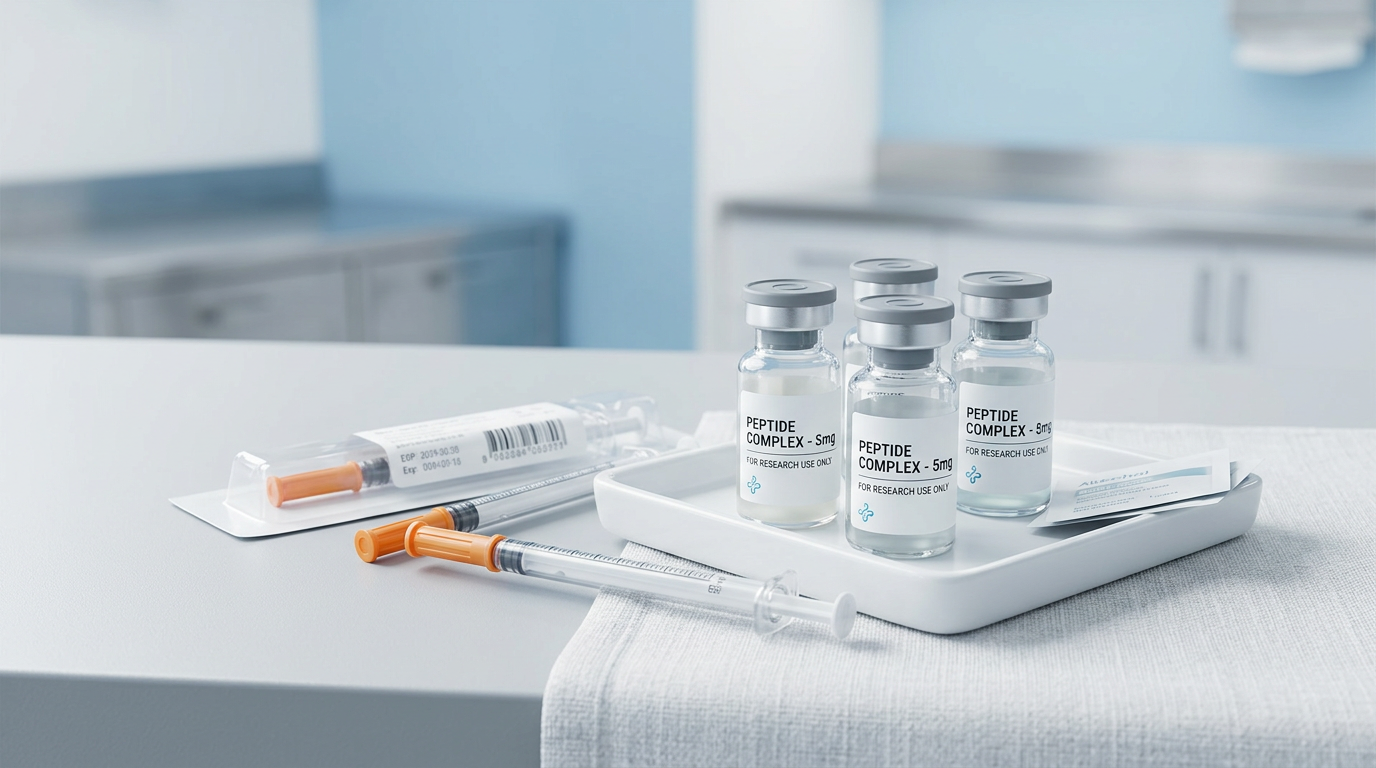
For peptides and injectables, use the reconstitution fields. StackTrack calculates concentration, doses per vial, and cost per dose for you.
Pro tip: Paste a product URL and let AI extract the details. It works for many supplement and peptide vendors.
3. Build a program
A program is a set of drugs with dosing rules and a date range.
- Go to Programs → Create program
- Name it (e.g., “Morning stack”) and set a start date
- Add drugs from your library with dose, frequency (daily, BID, TID, weekly), and time of day (AM, PM, evening, bedtime)
- Save
You can use static dosing, ramp up/down, or periodic cycling. See our Programs guide for advanced options.
4. Activate and use Today
Set your program status to Active. StackTrack generates schedule entries for each dose.
Go to Today to see your daily checklist. Mark doses as taken, skip with a reason, or adjust the dose. For injectables, log injection sites to support rotation.
5. Add inventory (optional)
Track quantities and lots so you know when to reorder. Add a lot with quantity, cost, and expiration date. When you log doses, StackTrack deducts from inventory using FIFO.
6. Install as a PWA (optional)
On mobile or desktop, install StackTrack as an app for a native feel and push notifications. Use Share → Add to Home Screen (iOS) or the install icon in Chrome.
That’s it. You’re tracking. For more detail, check out our Getting Started guide and Support & FAQ.